
Intermediate workshop
AI-Assisted Development Foundations
Master the principles behind AI code generation and build a context ecosystem that works with any AI coding assistant.
Learn more
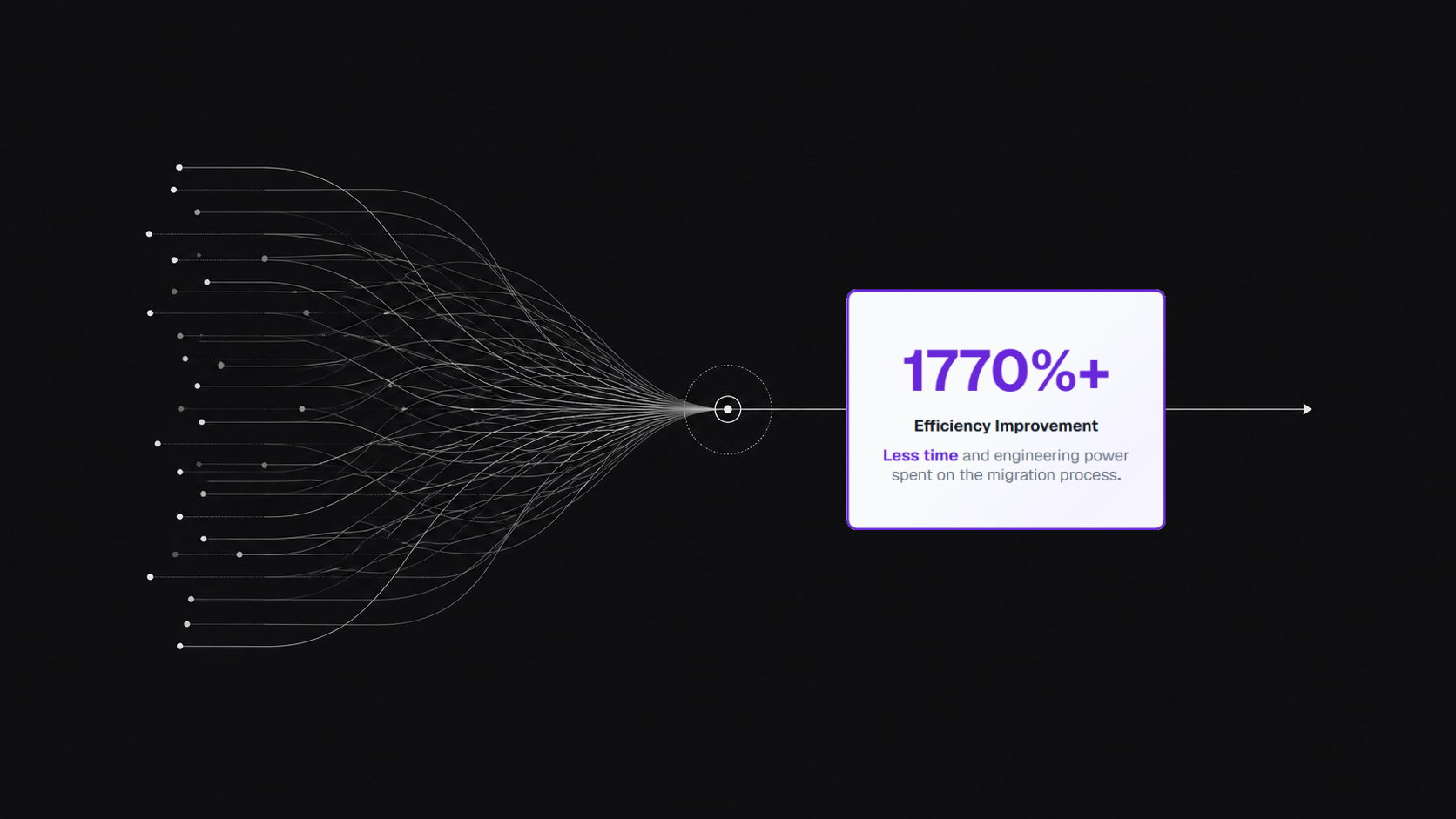
Moving a design system into a large codebase is usually a slow, difficult process. Updating components, coordinating tests, and managing knowledge across teams can take thousands of hours. PushBased worked with a major gaming platform to speed up this process by building a custom AI orchestration system.
The platform hit a major roadblock: their old UI components were spread across more than 10 different projects and sub-brands. This led to inconsistent visuals and a heavy maintenance burden.
Audits showed over 6,800 design system legacy code implementations across 28 components that all needed to be fixed by hand.
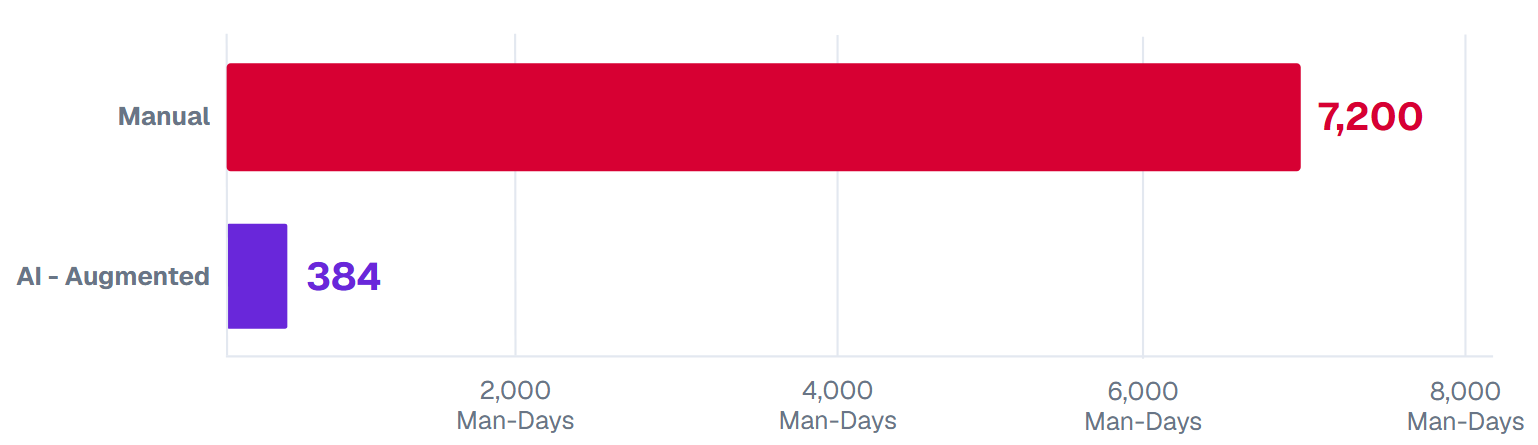
Internal teams estimated the migration would take over 7,200 man-days. This would have effectively stopped all new feature work for the next two to three years.
Trying to coordinate updates across a fixed release schedule while integrating with GitLab and Jira meant that manual work often led to mistakes and team burnout.
Instead of manual refactoring, the team moved to an AI-driven workflow that used a constant feedback loop.
Our team scanned the entire codebase with Code-Pushup to find every violation and set a baseline for the project.
The system created multiple migration plans at once. This cut the initial 7,200-day estimate by about 95% through automated planning.
Our team built a workflow that used AI to sort tickets and generate tests. This was run by four specific engines:
Investigation Engine: Looked at code patterns and how different parts of the app depended on each other.
Planning & Migration Engine: Grouped tasks together and refactored the code.
Testing Engine: Automatically created tests to make sure the changes didn't break anything.
Retrieval & Integration Engine: Handled the connections to external tools and project data.
The team reviewed migration tickets and bugs regularly. These findings were fed back into the AI’s data files to make the system more accurate as the project went on.
The architecture focuses on a centralized AI context system that manages the workflow between the codebase and the developer tools.

Architecture of the AI context system and orchestration layer.
Development Effort Reduction Quantifying the 95% efficiency gains in development man-days.
Area | Manual Baseline | AI-Augmented Result | % Improvement |
|---|---|---|---|
Effort (Man-Days) | 7,200+ days | ~360 days (95% Reduction) | 1770% |
Migration Speed | Multi-year roadmap | 6 Months | ~500% |
Scalability | Manual Workflows | Process designed for reuse across all product pillars | 100% |
Legacy Code | Manual error prone process | Merging of legacy patterns blocked | 100% |
The AI-driven process handled nearly 95% of the manual labor. This let the engineers stay focused on the high-level architecture instead of tedious code swaps.
The process was built so it could be used again for other parts of the business, making it easy to scale as the company grows.
In six months, this project turned a massive manual task into a repeatable, automated process. By using AI for ticket management and testing, the move was faster and much cheaper than expected.
The resulting system is now a permanent asset. It ensures that future design updates can be handled in small, manageable phases across any team, turning a difficult migration into a routine task.
In collaboration with Stephen Jayna, VP Engineering, Entain
Intermediate workshop
Master the principles behind AI code generation and build a context ecosystem that works with any AI coding assistant.
Learn more
Welcome to the our series, where we’ll explore the synergistic relationship between Figma, Storybook, and Angular

Welcome back to our design token series! In our previous entries, we’ve explored the concept of extracting design tokens from Figma. Today, we talk about applying the design tokens by creating Angular components.
Welcome back to our design token series! In our previous entries, we’ve explored the concept of design tokens and their pivotal role in creating consistent, scalable design systems. Today, let us delve into the practical side: extracting tokens from Figma.

In this article we're taking a deep dive into optimizing Interaction to Next Paint (INP) with scheduling APIs. We will examine native solutions with their pros & cons and RxAngular's approach to performance optimizations.
Angular is bridging the gap between the new Signal-Forms architecture and the Template/Reactive Forms. This isn't just a minor update—it’s a fundamental shift in how we author custom form controls.

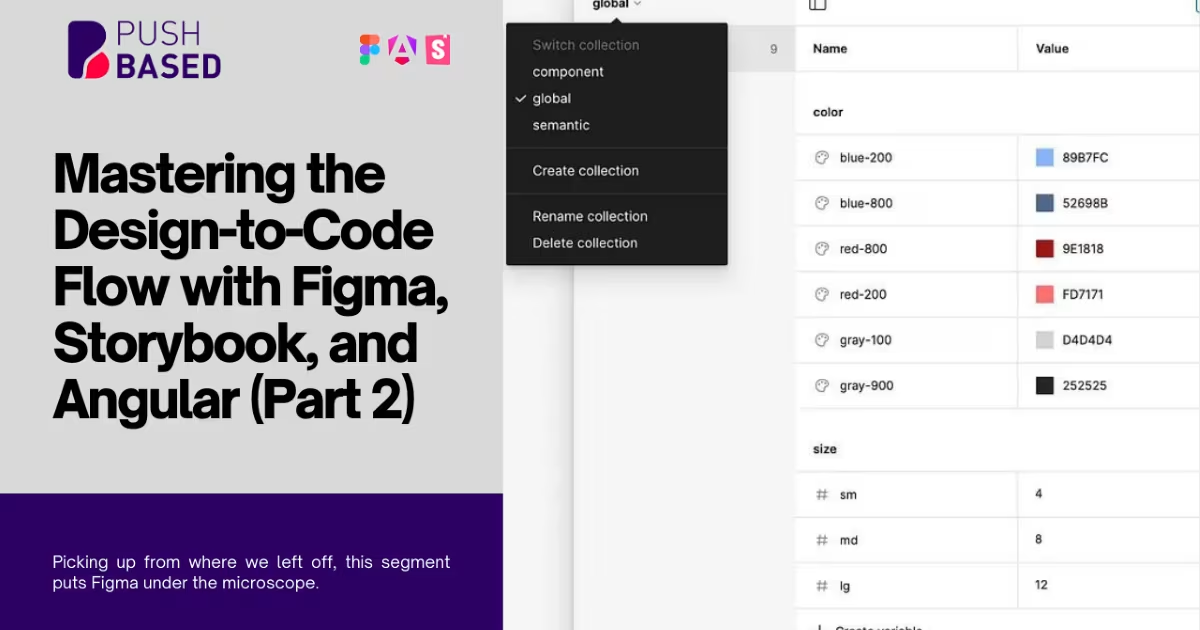
Welcome back to our continuing exploration into design tokens, and their place within modern development flows. Picking up from where we left off, this segment puts Figma under the microscope.