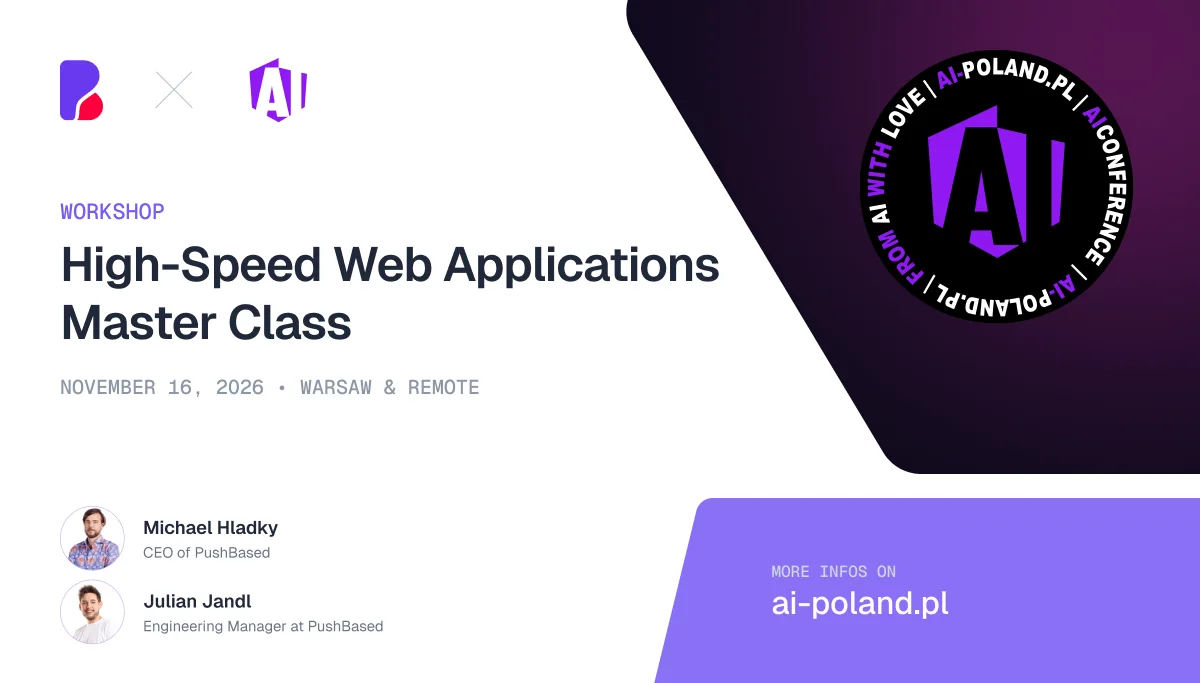
High-Speed Web Applications - Master Class | Michael Hladky & Julian Jandl @ AI Poland
About the event
About this workshop
Chrome DevTools is a powerful addition to the developer's toolset that allows you to find and eliminate your application's performance bottlenecks. It is packed with features perfect for auditing page performance and deriving actionable insights. By visualizing data at the proper level of abstraction, it can help you pinpoint performance-related issues and set a baseline from which to start introducing improvements.
That said, knowing how to properly run performance tests on your web application is one thing, and putting those metrics to good use is another. Both aspects are critical to the overall success of the endeavor. Thus, it is crucial to understand all the ins and outs of performance data and performance tooling.
This might sound like a lot, but don't be put off! Over the course of this training, we will walk through the pitfalls and tricks of the trade of Chrome DevTools to provide you with a complete roadmap for performance analysis and optimization.
Chrome DevTools should be seen as a fount of knowledge about your application's performance that anyone can benefit from. With that realization, the best part begins: experimenting and finding the most effective ways to improve the application's speed.
High-Level Workshop Agenda
Block 1: The Browser Rendering Pipeline
Understand how the browser processes the code you write
Explore the runtime performance of scripting, rendering, and painting
Minimize the work the browser needs to do
Core Web Vitals
What is the performance score?
LCP, Soft-LCP, INP, CLS, and other important metrics
How to measure and improve Web Vitals
Understand the RAIL Model
Get to know the underlying model behind modern performance metrics
Coffee Break
Block 2: Tooling
How to read, record, and analyze flame charts
Performance panel
Performance Insights panel
Performance Monitor
Network panel
Chrome and Microsoft Edge DevTools
Lighthouse
AI-Assisted Performance Engineering
How to leverage AI as a performance engineer
Chrome DevTools MCP
Create and use performance engineering skills
Lunch Break
Block 3: The JavaScript Event Loop
Understand how the JavaScript VM executes code
Learn the difference between macrotasks and microtasks
Gain in-depth knowledge of scheduling techniques
Control the event loop by prioritizing work
Master single-threaded main-thread scheduling
Coffee Break
Block 4: Network
Image optimizations
Resource hints, including preload, prefetch, and priorities
Bundle optimizations
CSS and DOM Performance Best Practices
Forced reflow and layout thrashing
CSS containment and content visibility
Next-generation CSS features
ResizeObserver and IntersectionObserver
Q&A Session
Meet the trainers

Michael Hladky
 Google Developer Expert
 Microsoft MVP
 Auth0
Auth0 Trainer
 Nx Champion

Julian Jandl
 Performance Expert
- Trainer
- Nx Champion
Keep exploring
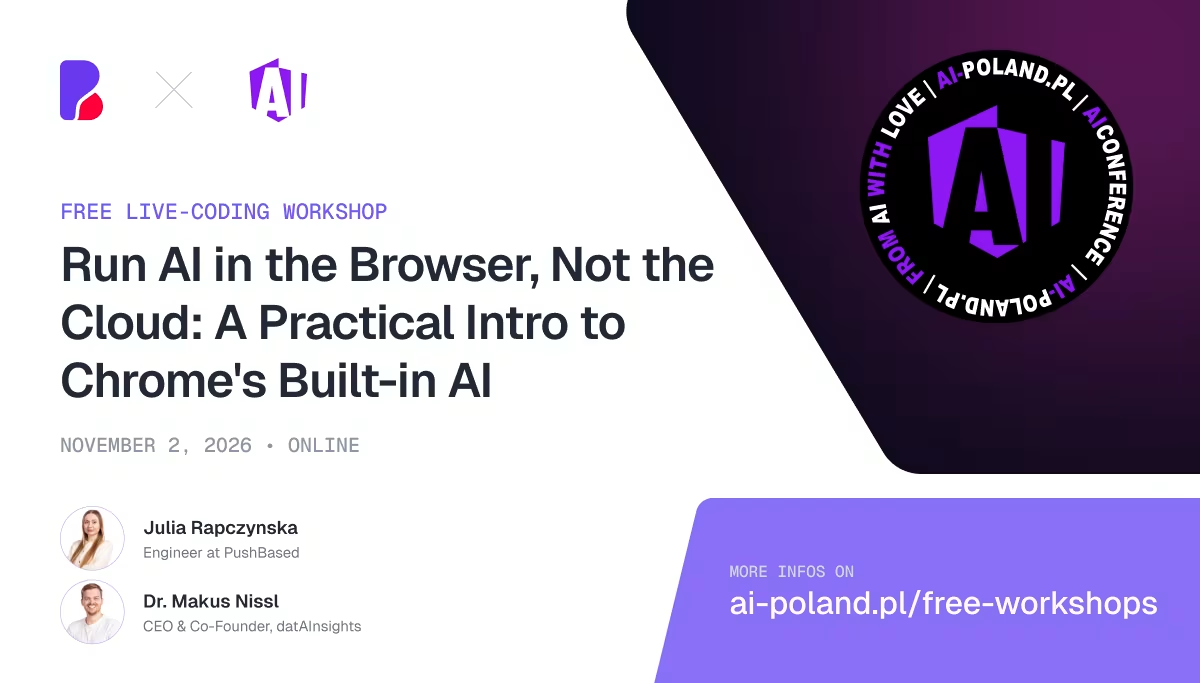
Run AI in the Browser, Not the Cloud: A Practical Intro to Chrome's Built-in AI | Free Webinar | Julia Rapczynska & Markus Nissl @ AI-Poland
AI Poland
Nov 2, 2026 · Online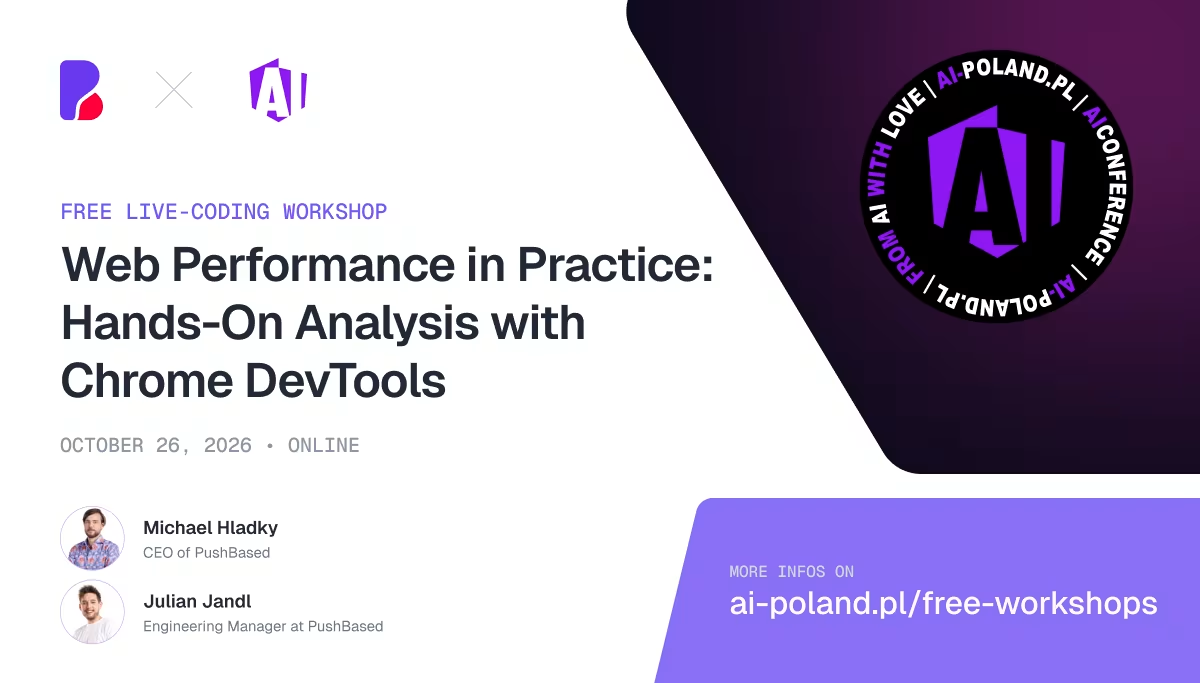
Web Performance in Practice: Hands-On Analysis with Chrome DevTools | Free Webinar | Michael Hladky & Julian Jandl @ AI-Poland
AI Poland
Oct 26, 2026 · Online
AI at Zero Token Cost - Build Faster, Private, Local-First AI Applications - Master Class | Julia Rapczynska & Markus Nissl @ AI Poland
AI Poland
Nov 16, 2026 · Warsaw & Online
Browser-Native AI: Stop Paying for Tokens | Michael Hladky @ AI Poland